Go big
Tap the Xbox or PS button and the game fills a neon arcade cabinet. Run Coinsole in a window, or as a full-screen arcade.


Add your own games, drop in a coin and play. Free and open source.
Version 1.2, for macOS 12 or later.
The games below play here too.
Drop a game on the window and it joins the shelf. Give it a cover and an info card if you like.
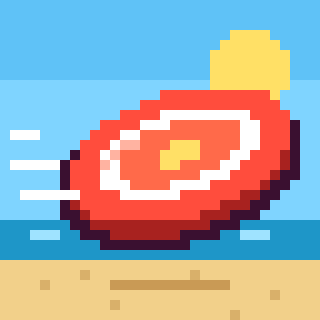 Frisbee BeachThree beaches, three giant crabs.
 Meteor RunBlast the rocks before they hit.
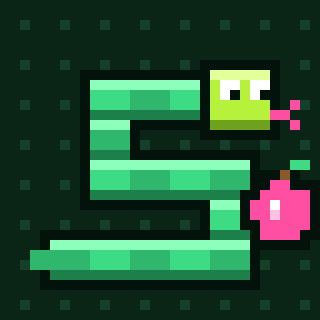 Pixel SerpentEat, grow, don’t bite yourself.
Coinsole does not scan the games you add, so only add ones you trust.
Dark with Xbox buttons, light with PlayStation shapes, or a backlit keyboard. On Auto, Coinsole follows your controller.
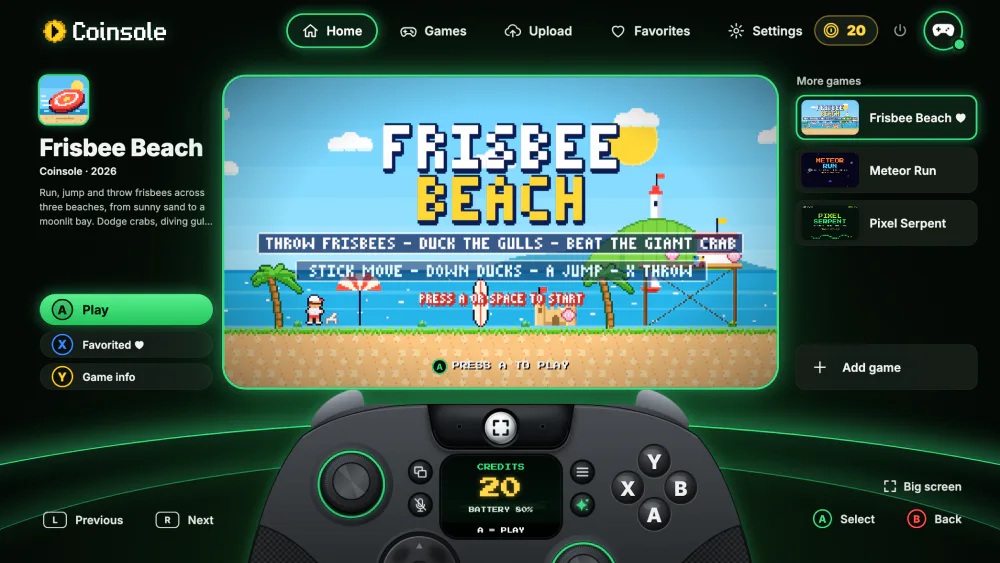
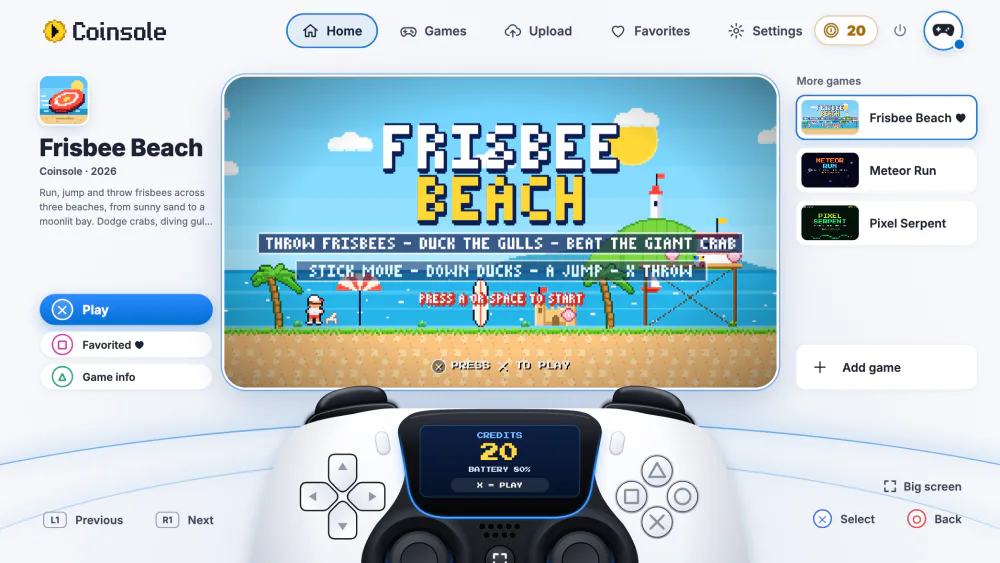
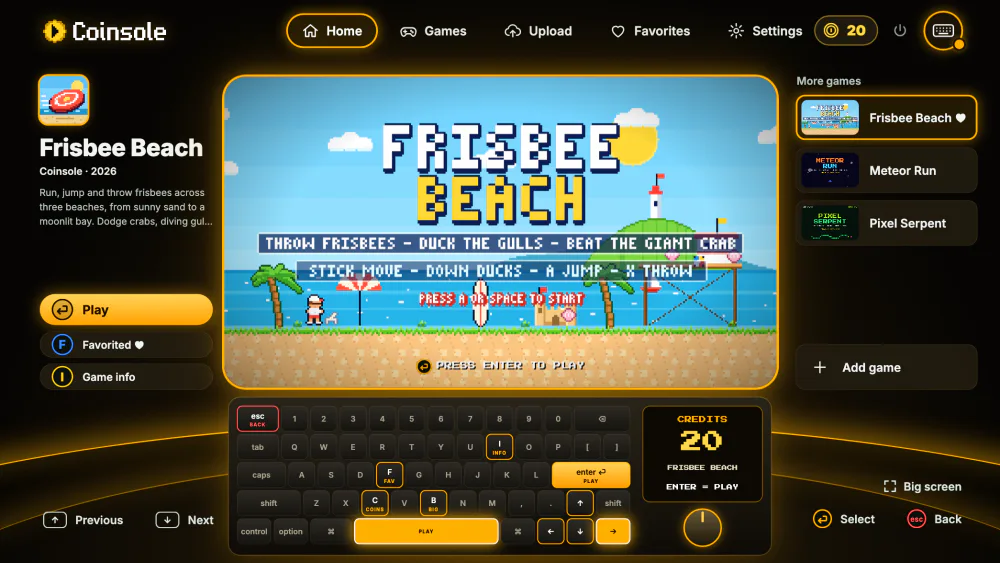
Bluetooth Xbox, DualSense and DualShock controllers work everywhere in Coinsole, and a test page shows every button and stick.
Tap the Xbox or PS button and the game fills a neon arcade cabinet. Run Coinsole in a window, or as a full-screen arcade.
Get credits from the token machine, spend one to play and one to continue. It is only for the arcade feeling: no real money is ever charged.
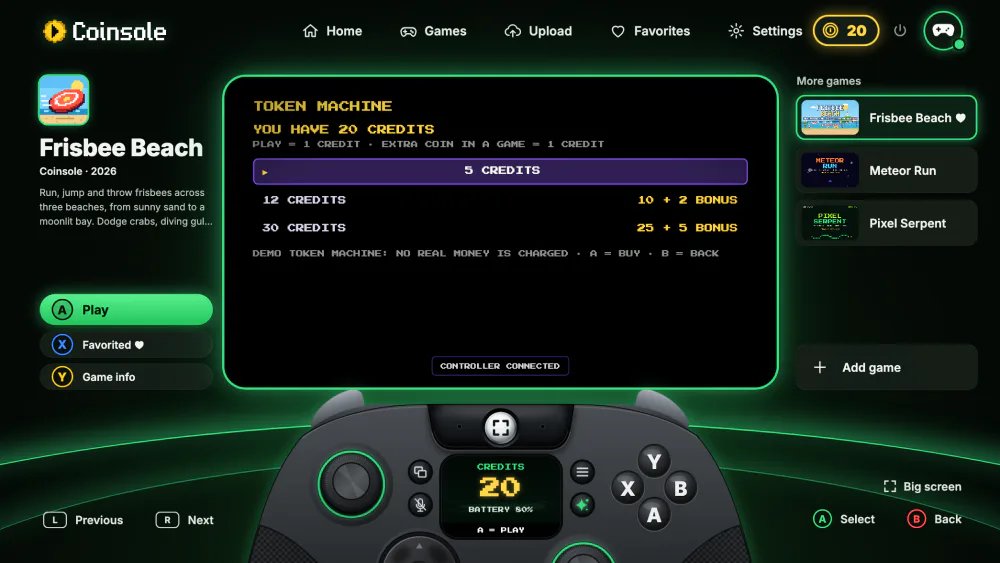
Coinsole is a free, open-source app that turns your Mac into an arcade console. You add your own games and play them on an arcade-style screen with a controller, credits and a big-screen mode.
Neither. Coinsole is a launcher: it plays its three built-in games and the games you add yourself. It includes no emulator and does not download games.
Yes. It is free to download and its code is open source under the AGPL-3.0 licence. The credits inside the app are pretend: no real money is ever charged.
Any Mac with macOS 12 or later, with Apple silicon or an Intel processor. The download is signed with an Apple Developer ID and notarised by Apple.
Download the disk image, open it and drag Coinsole onto Applications.
Download the new version and drag it onto Applications, replacing the old one. The games you added stay where they are. Coinsole does not update itself.
Bluetooth Xbox and PlayStation controllers, including DualSense and DualShock. You can also play with the keyboard.
Mac apps, web games made with HTML, and game folders with a start script or a program. Drop a game on the Coinsole window or choose Add game.
Web games run in a sandbox inside Coinsole. Mac apps and scripts run with your account’s permissions and Coinsole does not scan them, so only add games you trust.
Yes, three: Frisbee Beach, Meteor Run and Pixel Serpent. You can try all of them on this website before downloading.
Coinsole is a Mac app. The three built-in games also play in your browser on this website, including on a phone.
Free to download, free to change. Open the disk image and drag Coinsole onto Applications.
Version 1.2, for macOS 12 or later.
Enjoying it? Sponsor the project.
